
· 6 min read · BookYourSlot Team
How to create an online booking page for your business (in about 5 minutes)
An online booking page is a public link where clients see your real availability and book themselves: no back-and-forth, no double-bookings, confirmations sent automatically. Here's how to set one up on BookYourSlot from scratch. The whole thing takes about five minutes.
Step 1: Create your account
Sign up with your email, pick a username that becomes your booking link (like bookyourslot.online/priya), and confirm your time zone. Your time zone matters: it's the anchor all guest-side conversions are calculated from.
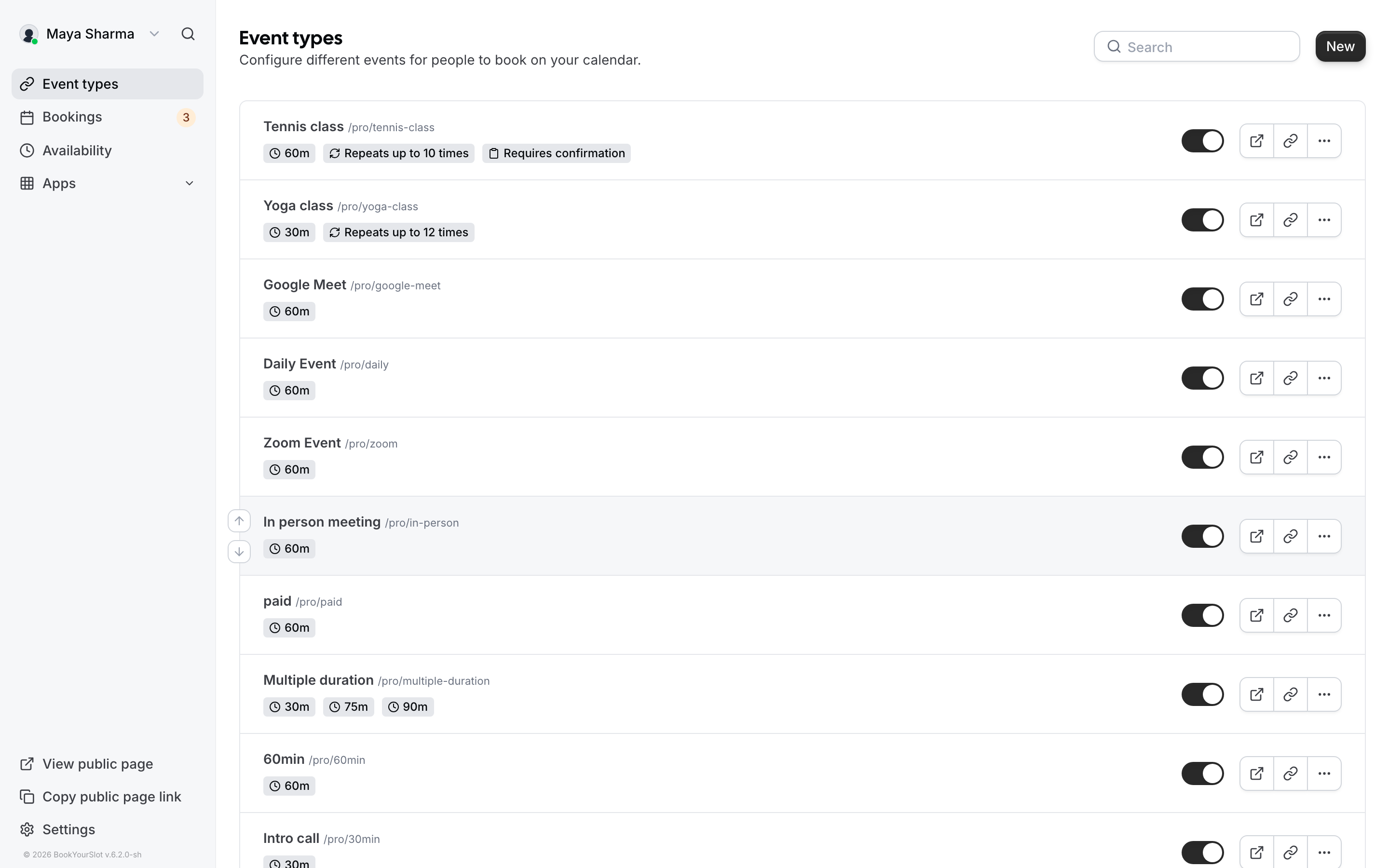
Step 2: Define an event type
An event type is one kind of meeting people can book: "30-minute consultation", "Studio session", "Intro call". For each one you choose:
- Duration: how long the meeting runs.
- Buffers: breathing room before or after, so back-to-back bookings don't crush your day.
- Location: in person, a phone call, or a link of your choice.
Create one event type per service you offer. Guests see them all listed on your page and pick the one they need.
Step 3: Set your availability
Under Availability, define your working hours per weekday (say, Monday to Friday, 10:00 to 18:00) and add date overrides for holidays or one-off days. Your booking page will only ever offer slots inside these rules.
Step 4: Connect Google Calendar
Connect your Google Calendar so busy blocks automatically disappear from your booking page, and every new booking is written back to your calendar. This is the step that makes double-bookings structurally impossible rather than something you have to police.
Step 5: Share your link (or embed it)
That's it. Share your link in your email signature, social bio, or invoices. If you have a website, embed the booking flow directly so clients never leave your page.
Common questions
Can I take bookings without having a website?
Yes. Your booking page is itself a hosted page, so the link works anywhere you can paste text.
Can I offer multiple services with different lengths?
Yes. Create one event type per service, each with its own duration, buffers, and location.
What stops two people from booking the same slot?
Slots are checked against your calendar and existing bookings at booking time, so a taken slot simply stops being offered.